Origin Vs Upstream
- Maintain Your Fork:
• Origin lets you manage your own copy, push your changes, and manage branches.
- Stay Updated with the Original Repository:
• Upstream lets you incorporate updates from the original project, ensuring your fork remains up-to-date and reducing merge conflicts.


添加方式:
git remote add origin abc.git
git remote add upstream abc.git
Upstream 操作:
git fetch upstream

git checkout main
git merge upstream/main
将原仓库最新 与本地同branch merge
Divergence between Local and Remote
hint: You have divergent branches and need to specify how to reconcile them. fatal: Need to specify how to reconcile divergent branches.

- Merge
--only current repo
git config pull.rebase false

--global
git config --global pull.rebase false

然后接
git pull origin main

This strategy creates a new merge commit that combines the histories of both branches. It’s straightforward and preserves the complete history of changes.- Rebase
--only current repo
git config pull.rebase true

--global
git config --global pull.rebase true

然后接
git pull origin main

This strategy replays your local commits on top of the remote commits,
resulting in a linear and cleaner project history.
It avoids merge commits but rewrites commit history, which can be problematic if the commits are shared with others.
如果从头开始就是 本地和Remote就是分别初始化的 就会有下面报错
fatal: refusing to merge unrelated histories

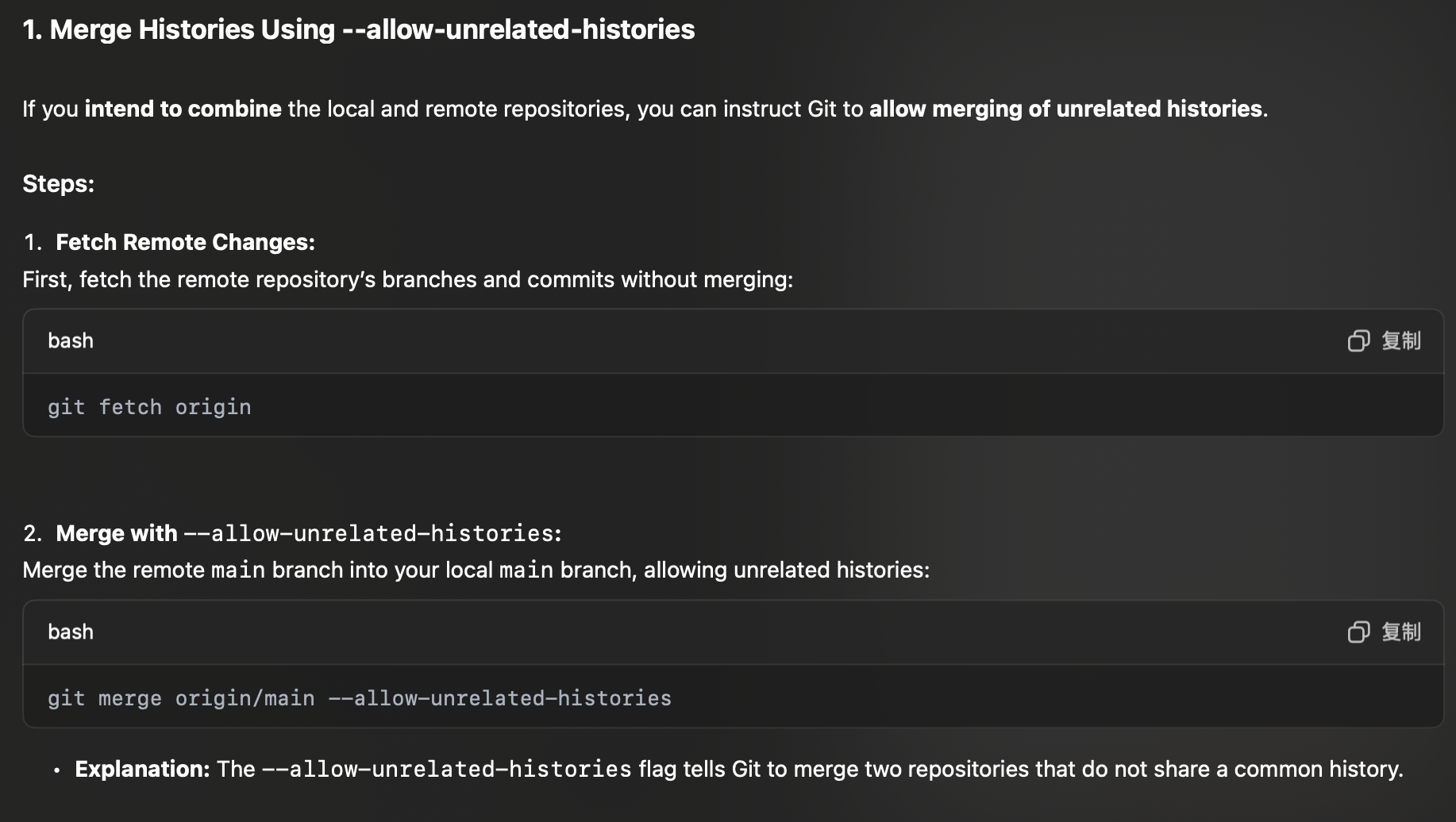
之后就是merge
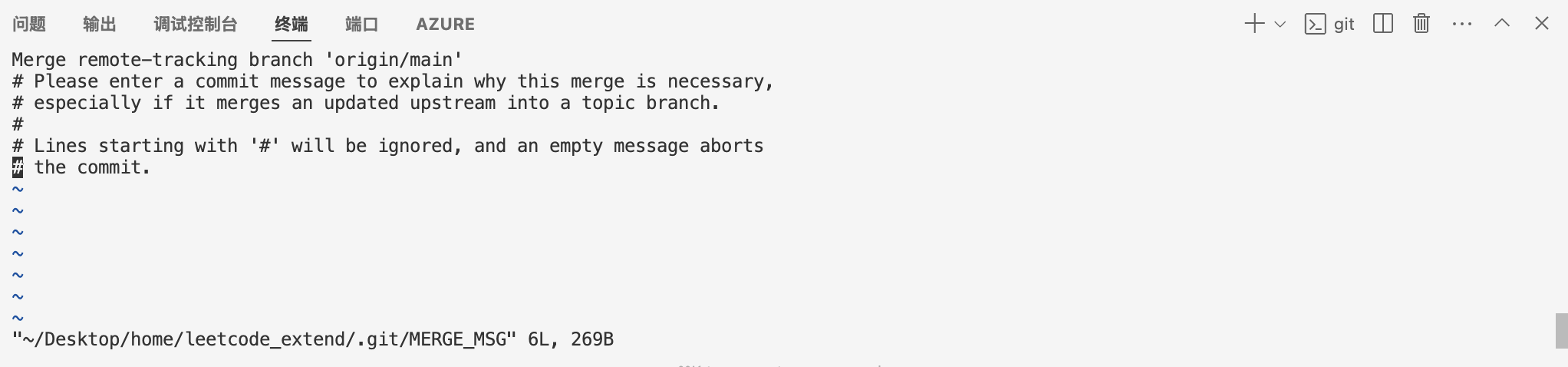
然后会自动commit